Jump to:
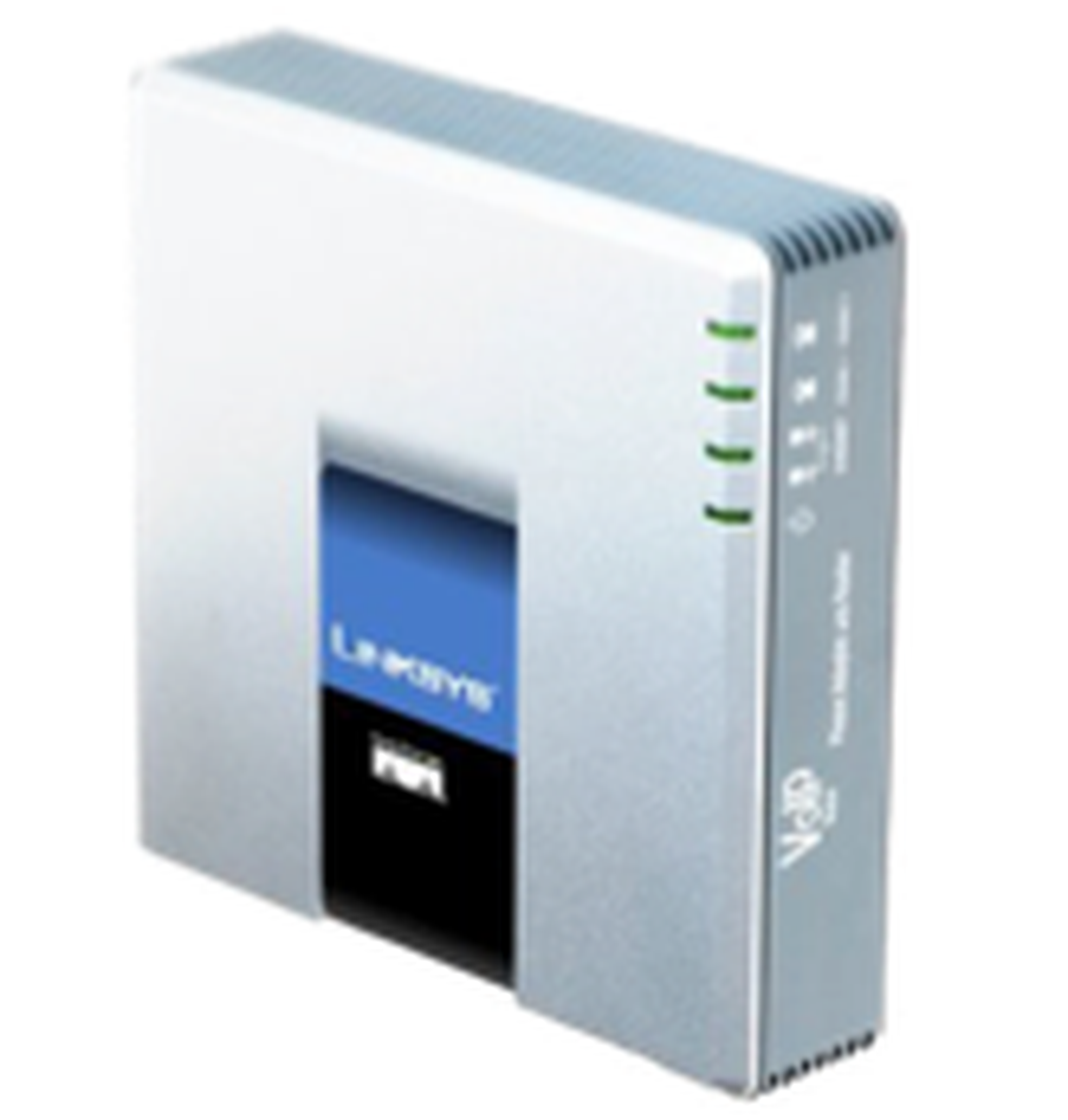
The Linksys SPA2102 connects analogue telephones and door openers with IP-based data networks. This allows analogue end devices to be connected to the nfon telephone system.
A POTS (Plain Old Telephone Service Port) on the SPA2102 is used to connect an existing analogue telephone or door opener.You provide the connection from your network (LAN) at the office to the nfon telephone system via a 100BaseT RJ-45 Ethernet interface (LAN-WAN).
The SPA2102 converts voice communication into data packets for transmission via your IP network.
Thanks to the international standards for voice- and data networks, the SPA2102 ensures reliable operation.
Please note that there are specific network requirements, to ensure smooth communication with the nfon telephone system.For more information on network requirements/configuration, please refer to the Plug & Play leaflet.
If you use an analogue fax machine, we recommend ATAs (Analogue Telephone Adapter) from Patton.
This brand is extremely reliable for fax use.
Linksys SPA2102 initial operation
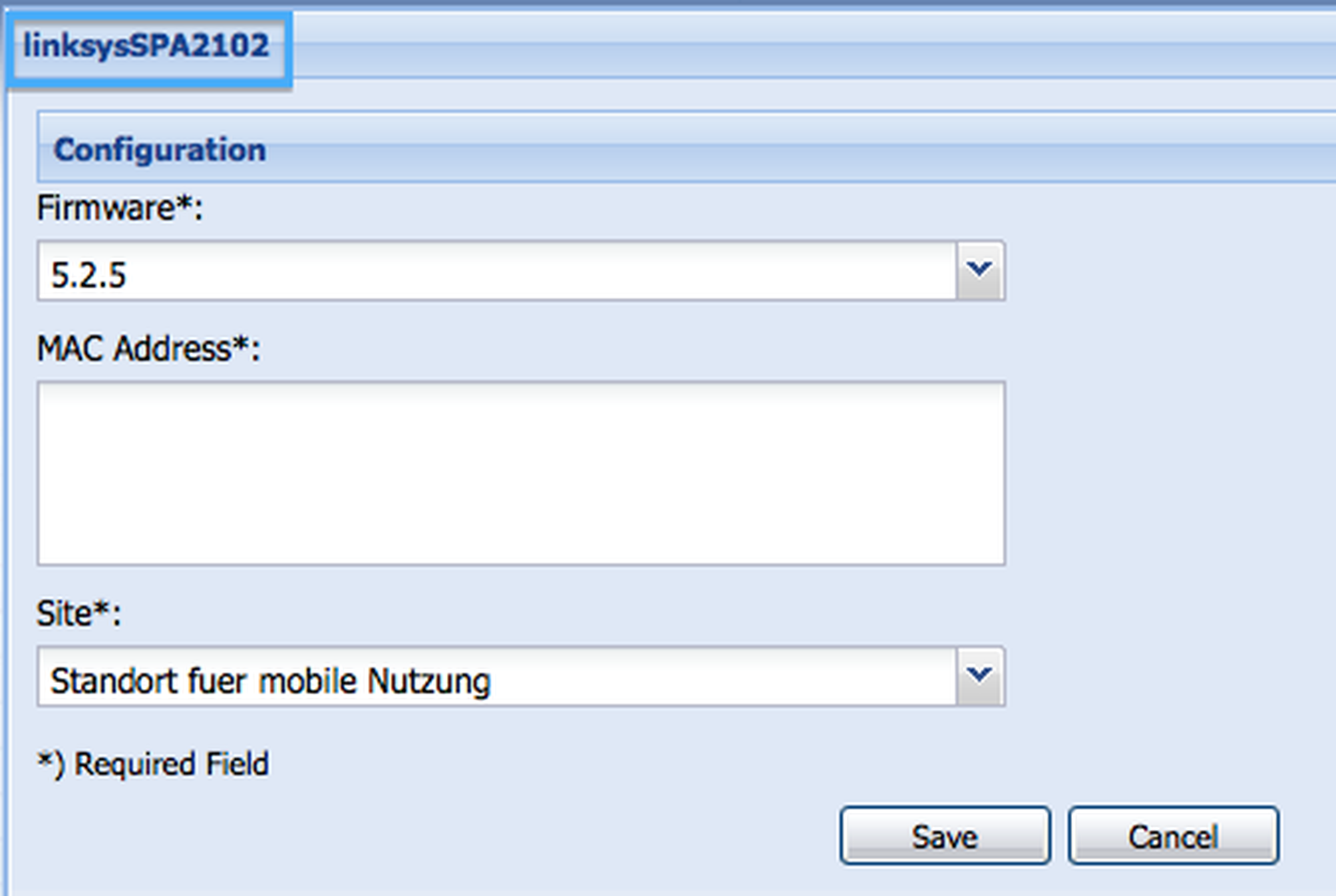
1. When ordering the Linksys SPA2102 from your provider, the device is automatically registered to the telephone system. Therefore, please check whether or not the MAC address is already registered in your Admin Portal under Configure > Devices. If not, add a new device.
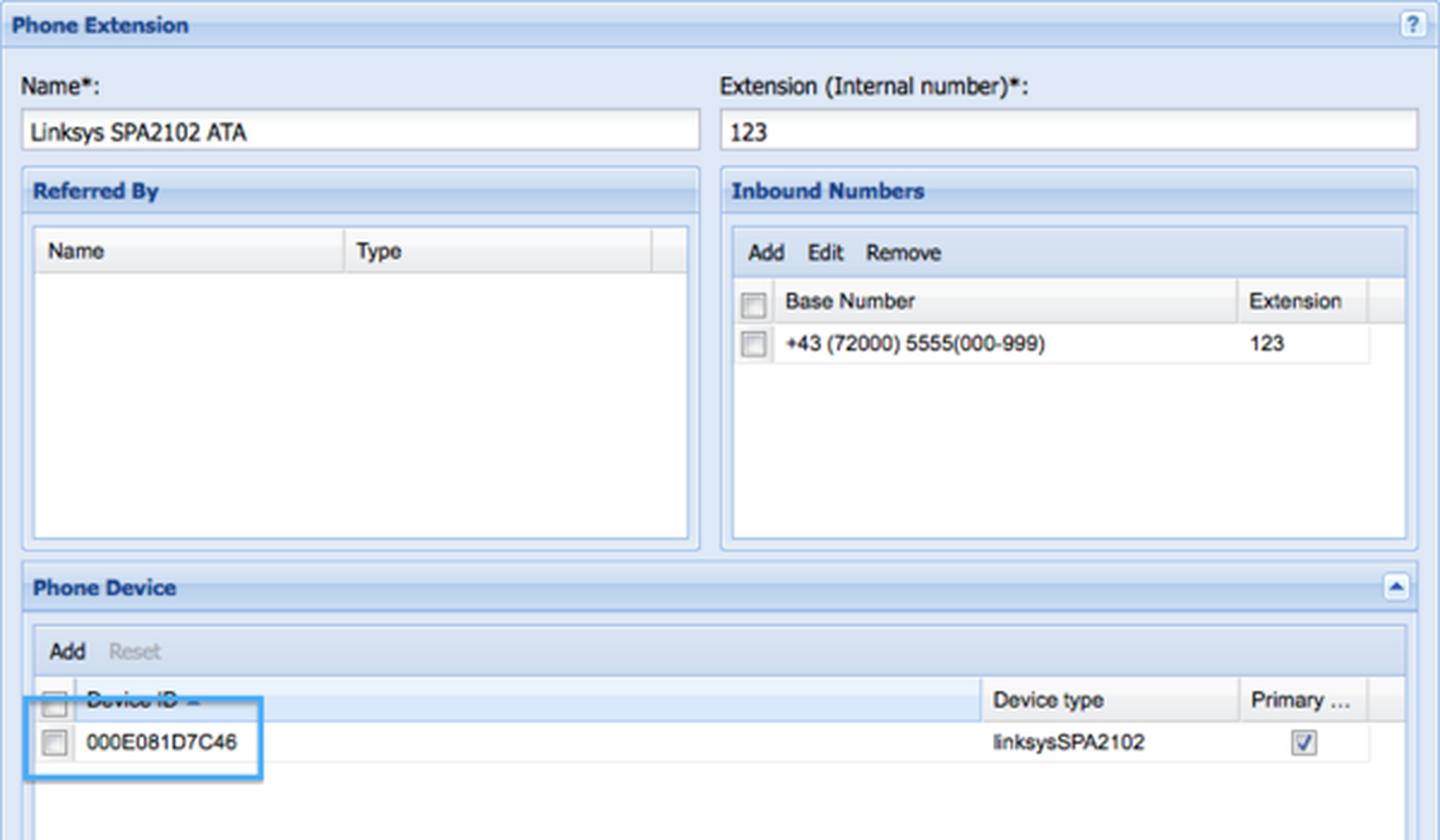
2. After adding the device, add a new phone extension for the Linksys ATA under Extensions. Select the MAC address for the Linksys ATA under Devices.
3. Connect the analogue end device to the Linksys ATA (RJ-11). Make sure to use the PHONE 1 port.
The SIP account is only configured for PHONE 1 port, so that NO additional end device can be connected to PHONE 2 port.
4. Connect the LAN cable (RJ-45) to the Linksys ATA. Make sure to use the INTERNET port.
Do NOT plug the LAN cable into the ETHERNET port!
5. Connect the 5V power supply to the Linksys ATA.
It can take a few minutes until the Linksys ATA is ready for use, given that the configuration must be downloaded first.
This can take up to 15 minutes.
The Linksys SPA2102 is ready for use once the status LEDs Power, INTERNET and PHONE 1 remain lit.The INTERNET LED may not stay lit but only flash sporadically.This depends on the data traffic for your Internet connection.
Please note that the SPA2102 only supports block dialling.That is, after entering the full telephone number and confirming the selector key, a connection is established. The telephone number is then transmitted in one block.