Direct Routing for Microsoft Teams*.
Connect Microsoft Teams* with PTSN and advanced cloud telephony.


63% of high-growth companies have already adopted a ‘productivity anywhere’ workforce model. You can make the move too by integrating cloud telephony with Microsoft Teams* through direct routing. It even works with analogue phone systems or complex deployment needs.
No more going backward and forwards from one app to another, and another and another. When you integrate telephony to Microsoft Teams*, you get internal and external phone calling in just one app. Other benefits include:
Faster, easier communication will turbo-charge your team’s productivity.
Cut costs with a scalable, future-proof and maintenance-free system.
Secure, compliant, and reliable.
Capability to connect with other third-party applications, like NFON Contact Center Hub.
Seamless working for your team, wherever, whenever.
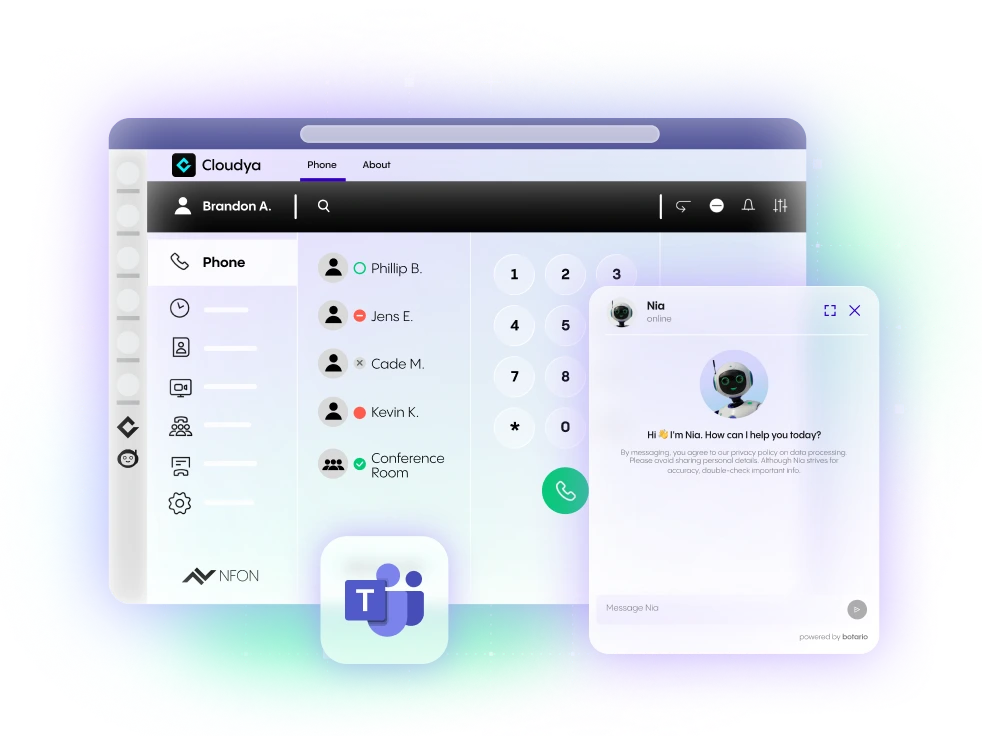
Integrate Microsoft Teams* via Direct Routing with Cloudya for advanced PBX features or SIP Trunk Flexx for essential PSTN connectivity.
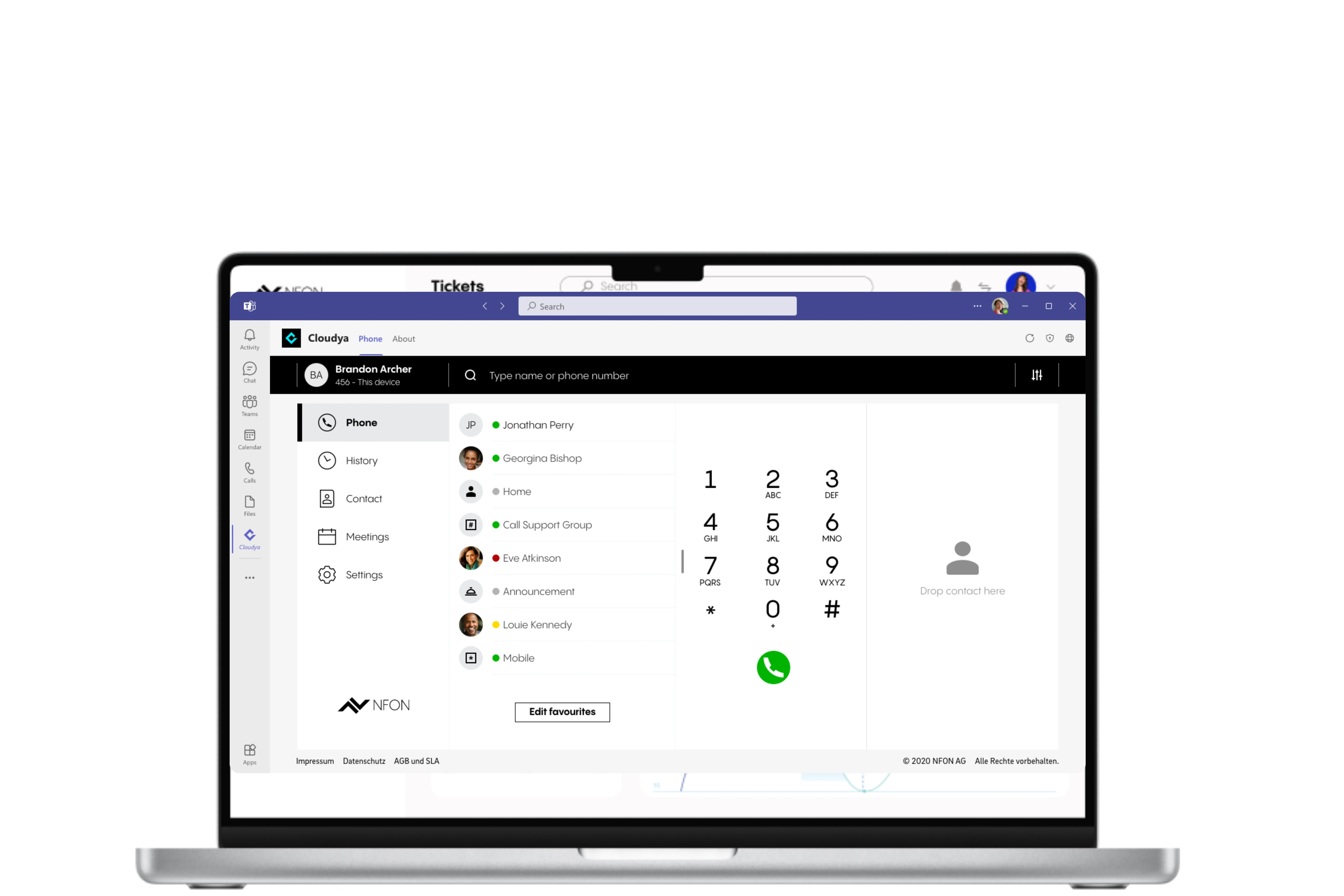
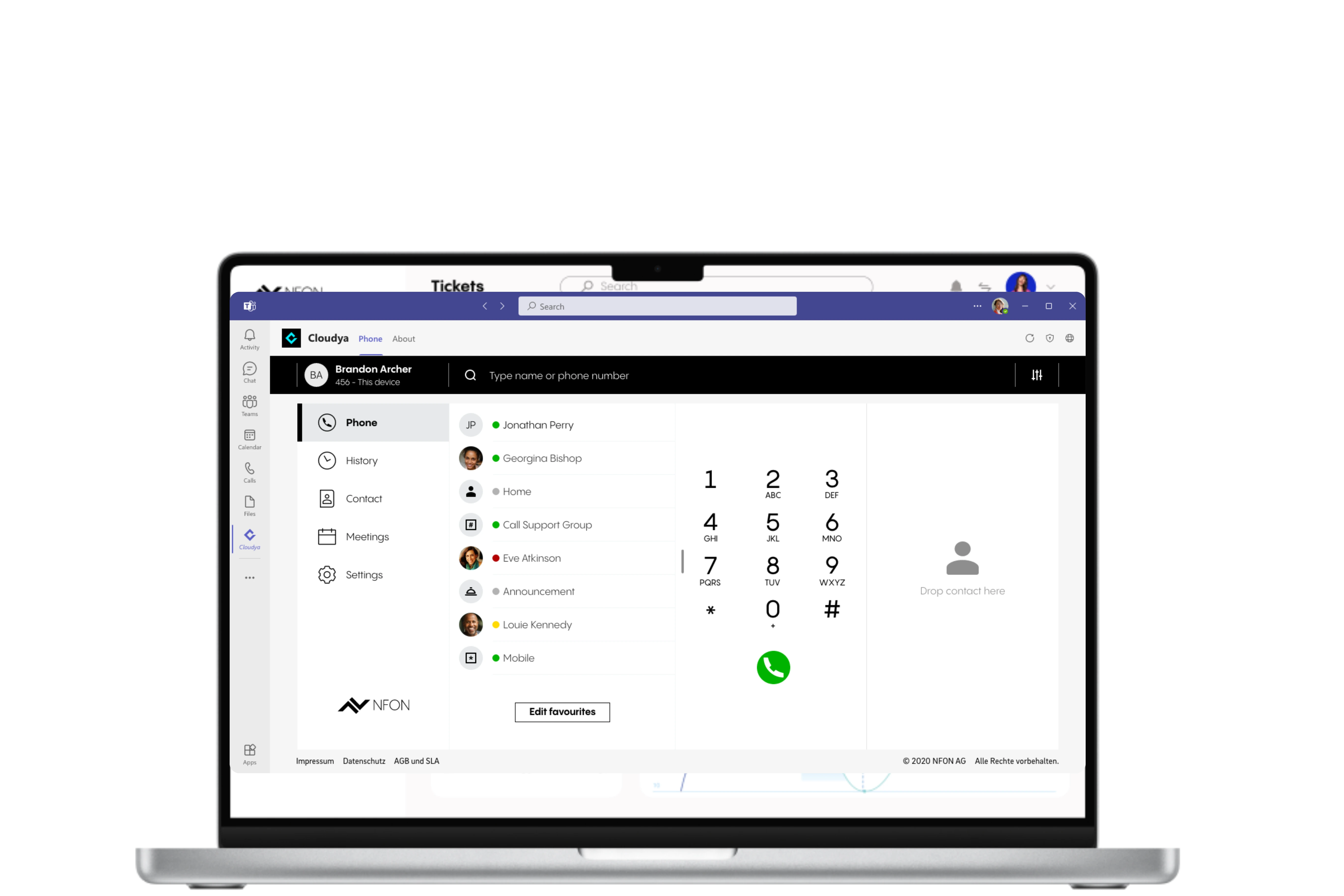
Simply search NFON Cloud Telephony in the Microsoft Team* app store.
The app is available directly on the Microsoft Teams* App Store.
All your usual NFON Cloud Telephony features like favourites, settings, and voicemail will all be available.
Log in, and you are ready to use NFON Cloud Telephony directly on your Microsoft Teams*.,
*Microsoft Teams is a trademark of the Microsoft group of companies.