More than Cloud Telephony. Build your AI Workforce.

Your first AI team member is ready. Are you?

Transform every call into a better customer experience. Welcome callers, qualify opportunities, support your teams and automate everyday conversations with specialised AI assistants.

Build your AI Workforce with Nia FrontDesk and discover what's possible.

Never let another opportunity wait.

Your employees are busy helping customers, closing deals and keeping your business moving. When the next call comes in, your AI Workforce is ready to help.

Your intelligent assistants welcome callers, understand their needs, answer common questions, connect them to the right employee or arrange a callback, all before your team even picks up the phone.

More conversations. More opportunities. More time for what matters most.
Build the AI Workforce your business needs.

Every business communicates differently, so your AI Workforce should reflect the way you work. Instead of relying on a single AI assistant, create specialised AI team members with their own responsibilities, working together to deliver a seamless customer experience.

Choose a ready-made template and personalise it to your business, customers and processes.

Reception

Create a professional first impression every time the phone rings. Welcome callers, answer common questions and ensure every enquiry reaches the right destination.

Sales

Never let a business opportunity go unanswered. Answer first-level product and pricing questions, capture valuable information and connect callers with the right sales employee.

Support

Make everyday support easier. Answer common questions, guide callers through standard resolution paths and arrange callbacks, giving your employees more time for complex cases.

Every team deserves an extra helping hand.

Every business has moments where one more helping hand would make all the difference.

Maybe your receptionist is already helping another customer. Maybe your sales team is busy closing a deal. Perhaps your support team is experiencing higher call volumes than usual.

Instead of making callers wait, your AI Workforce keeps every conversation moving, no matter the industry.

Insurance

A customer needs help after an unexpected incident.

Your AI Workforce provides a reassuring first response, answers common policy questions and connects customers with the right claims or service team without unnecessary delays.

Public Sector

A citizen needs the right department, fast.

Your AI Workforce answers routine enquiries, directs citizens to the right service and helps reduce waiting times, so your teams can focus on more complex requests.

Healthcare

A patient needs the right care, without the wait.

Your AI Workforce answers common questions, directs patients to the right department and arranges callbacks, helping your reception team stay focused on patient care.

Construction

A new customer wants to discuss their next project.

Your AI Workforce captures project enquiries, qualifies the request and connects callers with the right specialist, whether they're in the office or on site.

Hospitality

A guest has a question before they arrive.

Your AI Workforce answers common questions, supports reservations and connects guests with the right team, creating a great first impression before check-in.

Retail & Ecommerce

A customer wants to check an order.

Your AI Workforce answers questions about orders, deliveries and returns, routes complex enquiries and helps create a smooth shopping experience from start to finish.

Professional Services

A new client calls while everyone is in meetings.

Your AI Workforce welcomes the caller, captures their enquiry and connects them with the right consultant or schedules a callback when needed.

Manufacturing

Suppliers and customers are calling at the same time.

Your AI Workforce understands each enquiry, routes callers to the right team and helps keep your business running smoothly across every location.

Everything your AI Workforce needs to succeed.

Behind every great AI Workforce is technology designed for real business communication. Nia FrontDesk combines business knowledge, smart routing, calendar integration and simple management to help your AI assistants do more.

Turn conversations into action.

With Calendar Integration, Nia FrontDesk can securely connect to Outlook calendars, check availability and support Appointment Booking and Callback Scheduling directly during a conversation.

Whether a customer wants to arrange an appointment or needs to speak with an unavailable employee, your AI assistant can find a suitable time, create the calendar entry and confirm it verbally.

Your AI Workforce is closer than you think.

Getting started is easier than you might expect. Every customer receives 60 free AI minutes, giving you the opportunity to build your first AI assistant, explore real business scenarios and experience how an AI Workforce can support your business.

Everything in one place.

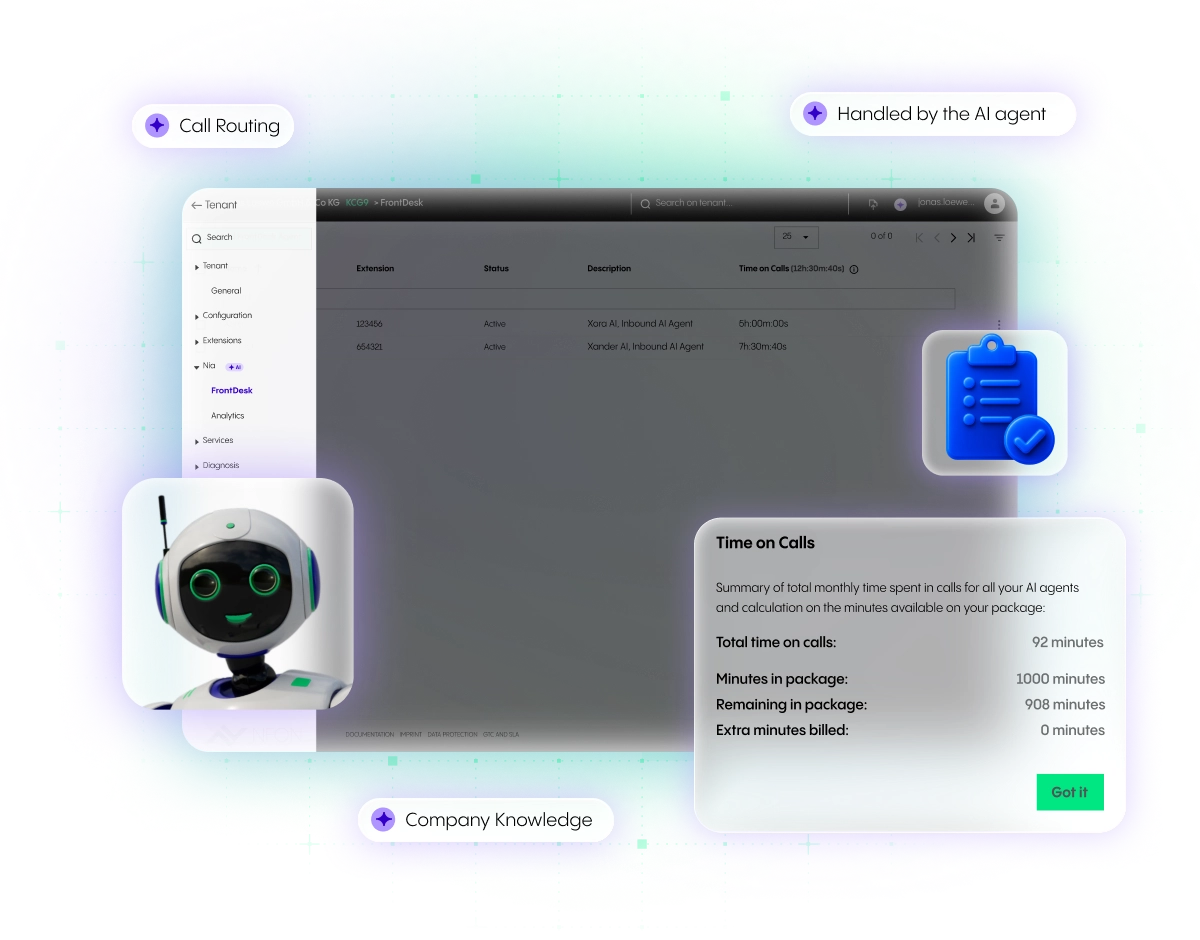
Our refreshed, modern Admin Portal is the home of your AI Workforce. Create, configure and manage your Nia FrontDesk assistants in just a few steps, all from one intuitive workspace.

Fully integrated with your Cloud Telephony environment, your AI Workforce works seamlessly with your existing call flows, queues and routing, so you can start building immediately.

Start with one AI assistant. Grow into an AI Workforce.

Your first AI team member is just the beginning. From welcoming callers to supporting customers and capturing new opportunities, we'll help you build an AI Workforce that fits your business today, and grows with you tomorrow.

What should be prepared before configuring Nia FrontDesk?

The following guiding questions help to prepare the configuration for Nia FrontDesk: 

  • Where do I want to deploy Nia FrontDesk? This affects, for example, the phone number and the bot’s name. 

  • What topics and questions will be handled at this point? This determines the knowledge base and forwarding targets. 

  • To which destinations (people, departments, or group services) should forwarding be possible? 

What should be entered in the description field?

The importance of the description field should not be underestimated. This is where the bot’s identity is shaped: provide the name, background information, and context about your company.

How can I optimize my prompts and descriptions for better results?

Specific and clear wording has proven effective. It can help to try different formulations or to write or refine the texts using AI tools (e.g., ChatGPT). 

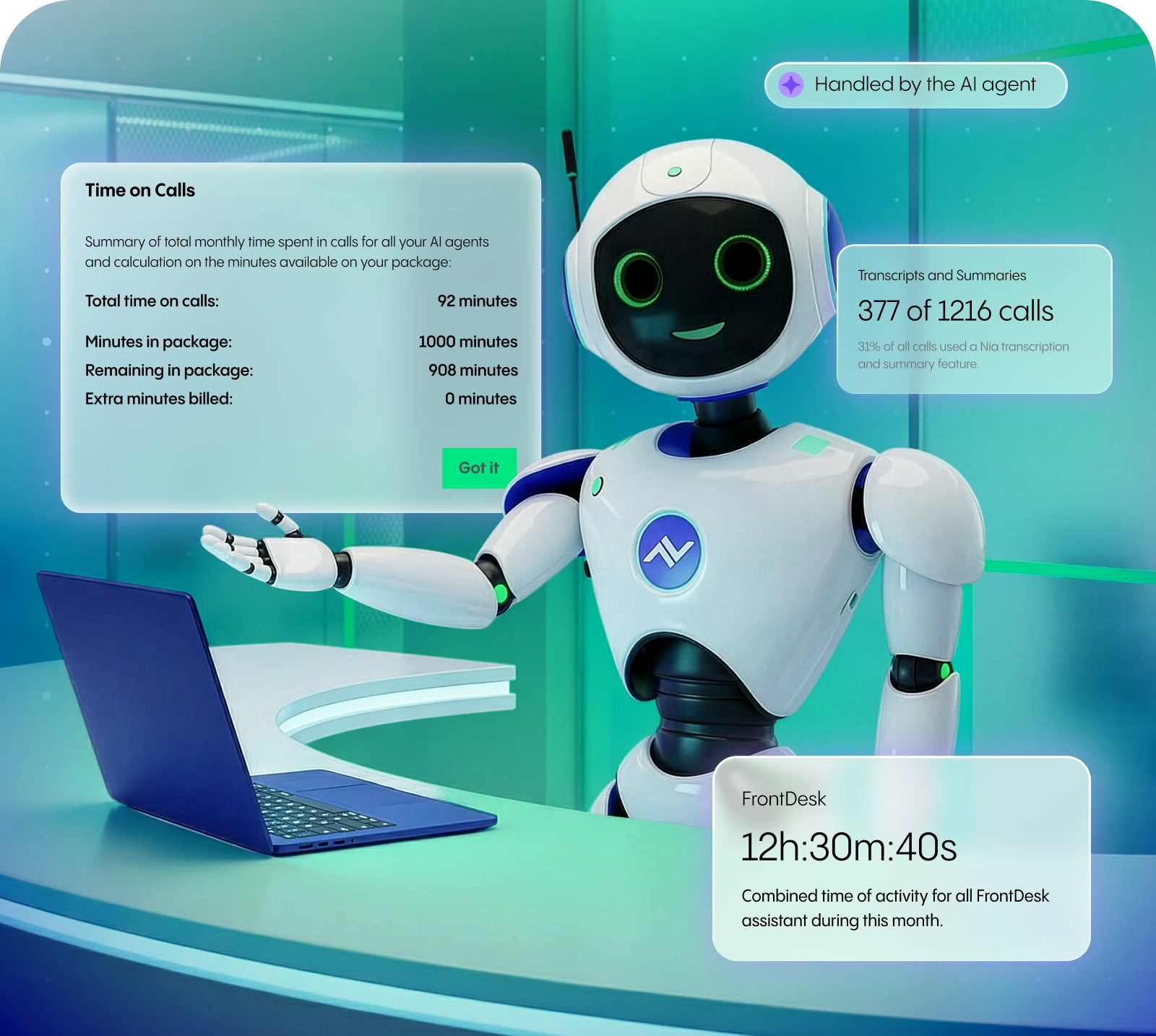
Which time frame is relevant for billing? Do you bill every started minute?

We only charge for the time the caller spends speaking with Nia FrontDesk, from the moment Nia FrontDesk answers the call until it hangs up or forwards the caller.

Example: A customer calls Nia FrontDesk and talks with the bot for 4:30 minutes about initial questions. Then the customer is forwarded and speaks for another 7 minutes with a responsible employee. For this call, only the 5 minutes of the bot conversation are billed. Please note: each started minute counts, e.g. 4 min 30 sec = 5 minutes billed. 

How do I turn Nia FrontDesk on and off?

There is a toggle button that admins can use to quickly activate or deactivate each Front Desk service. The table on the overview also shows which Front Desk service is active or deactivated.

Where do I configure Nia FrontDesk?

The configuration of Nia FrontDesk is exclusively done in the Admin Portal (AP4). With the activation of the license a Nia FrontDesk button appears in the left side menu.

How long does it take for changes to the bot to take effect?

Adjustments to the bot take effect a few minutes after saving.

What does Nia FrontDesk cost?

The detailed pricing and minute packages can be found in the price list.

How many calls can Nia FrontDesk handle simultaneously?

Nia FrontDesk can handle up to 10 calls in parallel.

Can I have more than one Nia FrontDesk configured?

Yes, you can have up to 25 FrontDesk assistants configured on any single NFON tenant. So you can have one set up for Sales, Support, Reception, Personal Assistants, or you can configure one that deals with everything.