Why is Admin Portal better?
2-factor authentication (2FA)
personalized access
managing incoming call blocker profiles
managing speed dials
cloning time schedules or voice dialogs
See the new Admin Portal live!


It offers the full functionality of the old portal, plus an improved interface, more features and modern security standards.
The new Admin Portal (admin.nfon.com) completely replaces the "old" Service Portal 3 (portal.nfon.com) and is used to set up and manage the NFON Cloud PBX.
In addition to the improved user interface and the latest security features, Admin Portal also offers new features such as managing incoming call blocker profiles, managing speed dials, and cloning services such as time schedules or voice dialogs.
Yes, the new portal contains all the functions of the old portal for managing the NFON Cloud PBX.
The new portal no longer requires the system ID (Kxxx), but personalized access instead, which NFON has provided for all new Cloudya & Centrexx 3 systems since 2018. This is the same access that Cloudya & Centrexx 3 users use to manage "System Configuration."
The account K-number (Kxxx) will remain the unique identification number of your NFON Cloud telephone system. However, it will no longer be used for authentication to our systems (login).
No. At the moment, only customers with Cloudya Business Premium and Cloudya Business Standard have access via their personalized admin access.
Old contracts such as Nvoice, Full Version or NFON Business must first be converted to personalized access.
Our Admin Portal offers a completely new user experience and makes managing and setting up an NFON Cloud PBX more intuitive and easier. It also offers modern security standards such as personalized access and two-factor authentication (2FA).
No. Admin Portal has been in general operation since February 2025, with regular support and continuous development. All the regular updates can be found in the release notes.
The user manual for Admin Portal is available here.
Personalized access is provided for all NFON Cloudya and Centrexx 3 cloud telephone systems. If you do not yet have personalized access to manage your Cloud telephone system, please contact your telephony partner or NFON Support.
The existing Service Portal 3 will be available until mid-November 2026. Then, the old portal URL will automatically redirect to the new Admin Portal.
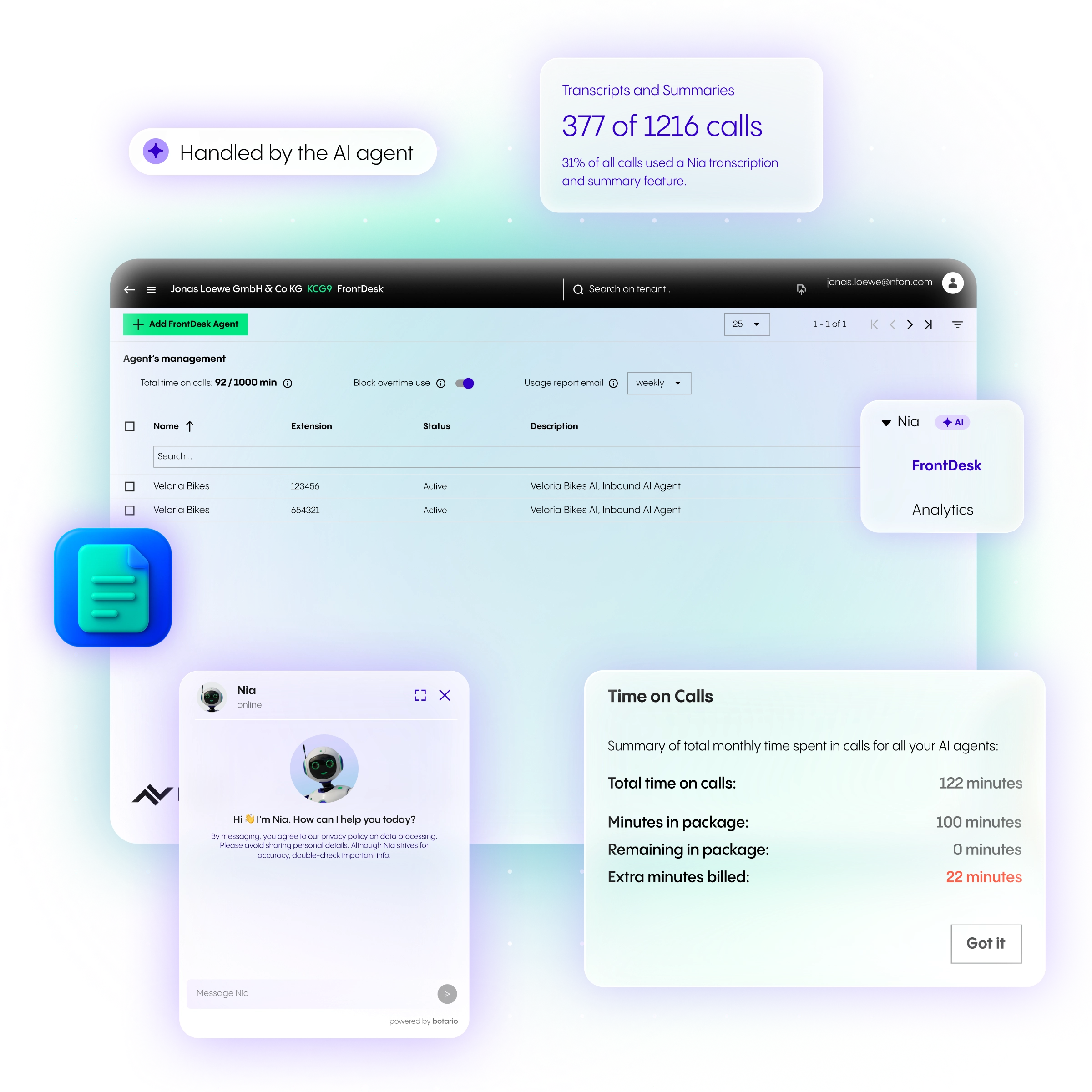
In case of any questions, please do not hesitate to contact us. You can also check the Admin Portal documentation or – ask Nia!