Security update

Building a more secure communication experience.

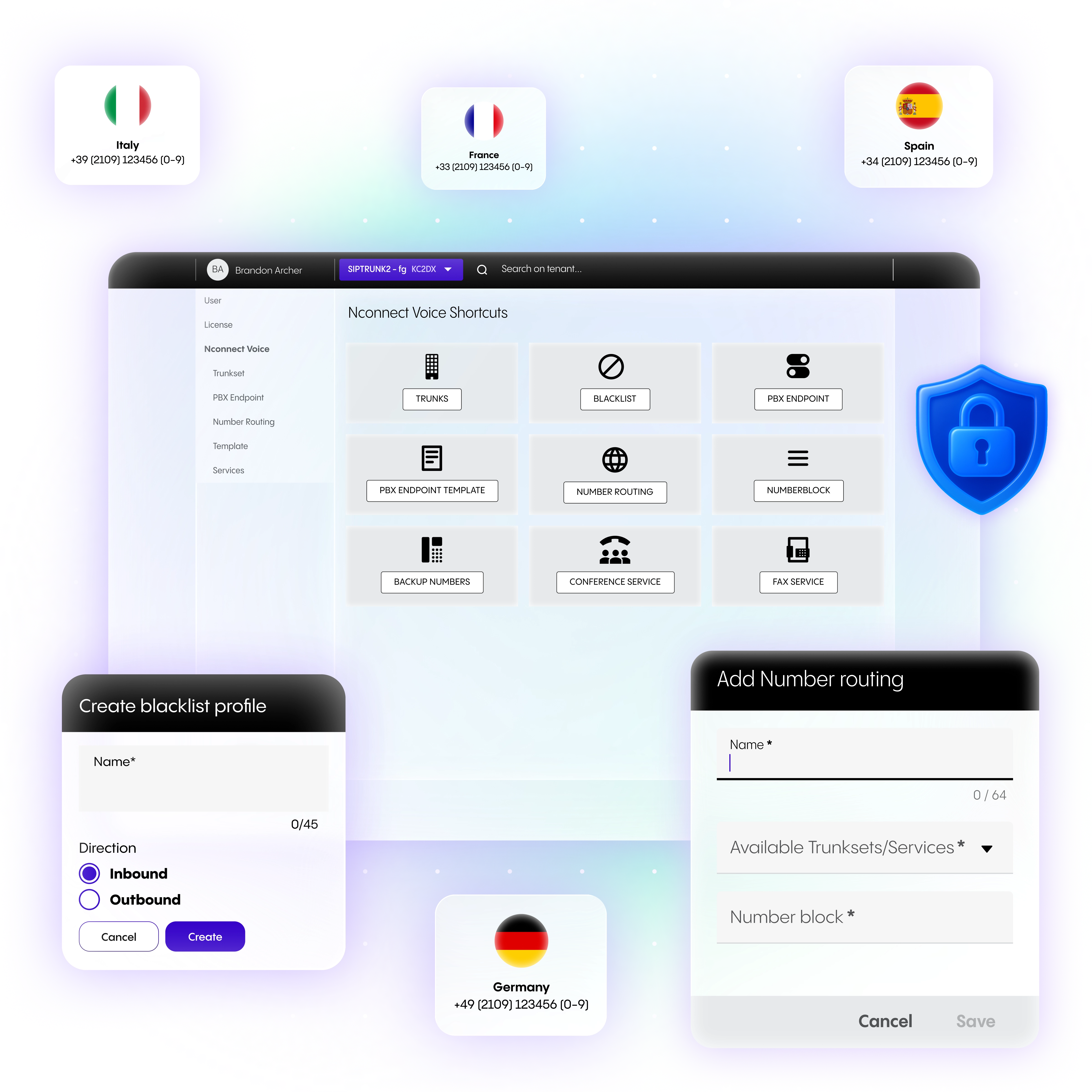
Your business caller ID helps customers recognise your calls and get back to you with confidence. Validate your CLIP No Screening numbers before 7 October 2026 to continue displaying your business phone number while supporting a more secure and trusted communications experience.

Stay recognisable to your customers.

Your phone number is more than just a way to make calls, it's part of your business identity.

When customers recognise who's calling, they're more likely to answer the phone, trust the conversation and easily get back in touch if they miss your call.

Validating your CLIP No Screening numbers helps ensure your business caller ID continues to be displayed after 7 October 2026.

Make it easy for your customers to return missed calls and continue important conversations.

Important information for partners:

For any new customers who will use CLIP No Screening with SIP Trunk, partners will have to submit the required documentation as part of the initial setup. If the documents are not yet available, partners can still create the customer account first and submit the required documentation afterwards.

Validate your numbers in three simple steps.

We've made the validation process straightforward.

1. Find your numbers

Identify the phone numbers you use with CLIP No Screening that are not owned by or ported to NFON.

2. Gather your documents

Prepare one of the following:

  • A recent bill from your telecommunications provider (not older than 3 months) showing that you own the number or that of the number holder

  • If it is a telephone number with extensions, a corresponding proof of the telephone number block must also be submitted.

  • In addition, a certificate of eligibility confirming that you are authorized to use another company's phone number if you are not the number holder.

3. Submit your validation request

Send your validation request through your NFON Partner or email us directly at:

Please include:

  • the phone number(s) you want to validate;

  • your supporting documentation.

What happens after you submit your request.

Our team will review your request and validate your numbers. Validation typically takes up to ten working days.

If your numbers haven't been validated by 7 October 2026, your calls will still go through, but your caller ID will temporarily be displayed as Anonymous instead of your business phone number.

As soon as your numbers have been successfully validated, your business caller ID will automatically be displayed again.

Why it matters.

By validating your numbers, you'll continue to enjoy the benefits of displaying your business caller ID:

  • Be recognised instantly – Customers know who's calling before they answer.

  • Make it easy to call you back – Your business number remains visible for missed calls.

  • Build trust – Displaying your business number creates a more professional and trusted calling experience.

Frequently asked questions

Below is a list of frequently asked questions:

Why am I being asked to validate my numbers?

As part of our ongoing investment in secure and compliant cloud communications, we're validating CLIP No Screening numbers to ensure that only authorised phone numbers are displayed as caller IDs. This helps protect businesses and their customers from caller ID misuse.

Will my business communications be interrupted?

No, your outbound calls will continue to be completed as usual.

If your numbers haven't been validated, your caller ID will be displayed as Anonymous until validation has been completed.

Can I validate multiple phone numbers at the same time?

Yes. You can include multiple phone numbers in a single validation request together with the required supporting documentation.

What evidence do I need to submit?

Please have the following proofs ready:

  • A recent bill from your telecommunications provider (not older than 3 months) showing that you own the phone number. If it is a telephone number with extensions, a corresponding proof of the telephone number block must also be submitted.

  • A certificate of eligibility confirming that you are authorized to use the phone number of another company, as well as a recent invoice from the phone number holder (not older than 3 months). If it is a telephone number with extensions, a corresponding proof of the telephone number block must also be submitted.

Important to note:

  • we do not accept invoices older than three months.

  • you need to have proof of ownership for the entire number block—not just for a single displayed number.

  • two forms of proof are required. Simply having proof from the other company showing you are authorized to use the number does not demonstrate that the company actually owns the number. Hence, two forms of proof are needed.

Do I need to take action?

You only need to validate your numbers if you:

  • use an NFON SIP Trunk service in Germany;

  • use CLIP No Screening; and

  • display phone numbers that are not owned by or ported to NFON.

If you only use numbers owned by or ported to NFON, no action is required.

How long does validation take?

Validation typically takes up to five working days. We recommend submitting your request as early as possible to ensure everything is completed well before 7 October 2026.

Can my NFON Partner take care of this for me?

Yes. Your NFON Partner can submit the validation request on your behalf, or you can send it directly to vertrieb@nfon.com.

What happens if I validate my numbers after 7 October?

Your outbound calls will continue to work.

However, your caller ID will be displayed as Anonymous until your validation request has been completed. Once your numbers have been approved, your business phone number will automatically be displayed again.

Reach out to us!

We are happy to answer any questions you may have.

You can also ask Nia!